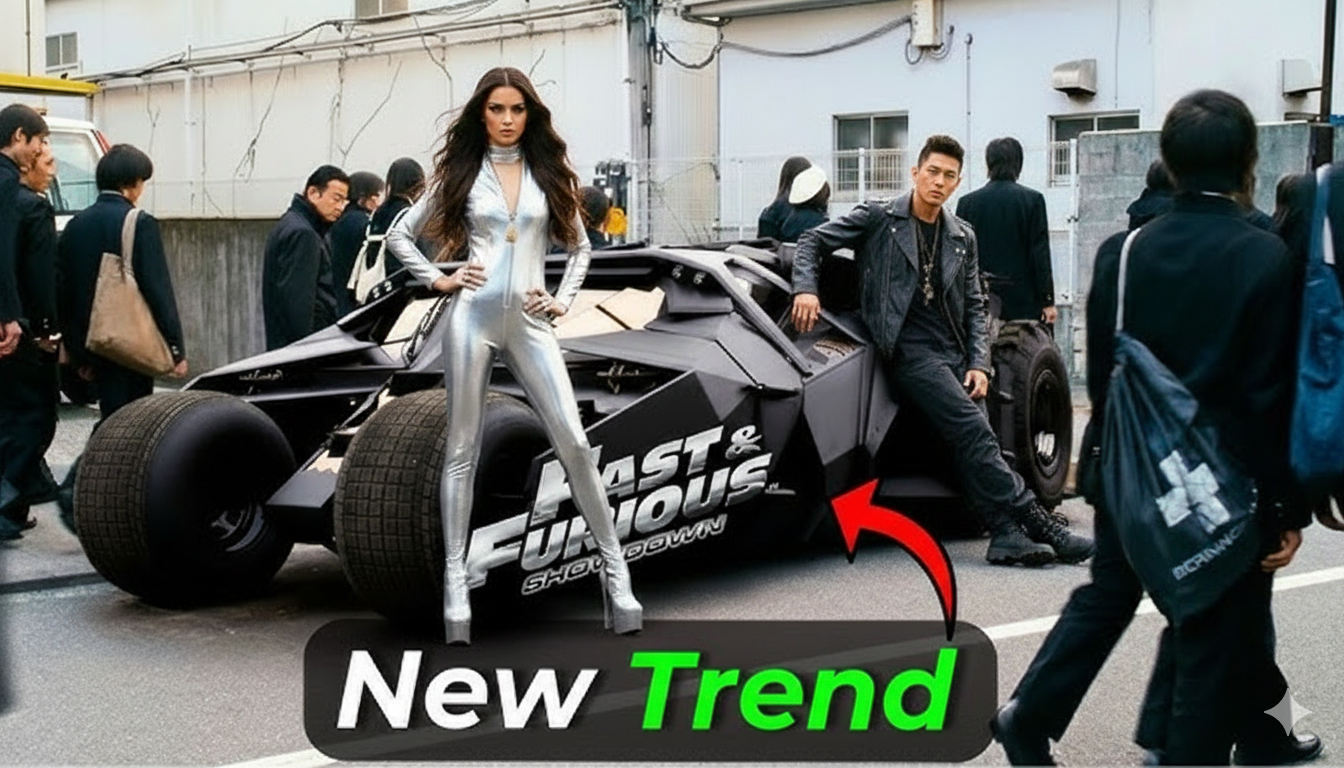
- AI video creation is changing the way creators produce cinematic content. One of the most exciting trends on Instagram Reels, TikTok, and YouTube Shorts right now is AI Tokyo Drift videos. These videos feature cars drifting through neon-lit streets, futuristic cities, and anime-style environments inspired by Tokyo’s street racing culture.
With modern AI tools, you no longer need expensive cars, cameras, or real locations. You can create stunning Tokyo Drift–style videos using artificial intelligence, creative prompts, and simple editing techniques.
In this complete guide, you will learn how to create AI Tokyo Drift videos step by step, even if you’re a beginner.
What Are AI Tokyo Drift Videos?
AI Tokyo Drift videos are short cinematic clips created using AI image generation, AI video tools, and editing software. These videos usually show:
- Sports cars drifting around corners
- Neon lights and cyberpunk streets
- Rain reflections on roads
- Slow motion tire smoke
- Cinematic camera movement
The visual style is inspired by Japanese street racing culture and popularized worldwide by the movie The Fast and the Furious: Tokyo Drift.
Creators combine AI visuals with music, motion effects, and transitions to produce viral short videos.
Why AI Tokyo Drift Videos Are Trending
This trend is exploding on social media for several reasons.
Cinematic Look
AI tools can generate movie-level visuals in seconds.
High Engagement
Cars, motion, and neon lights naturally grab attention.
Perfect for Short Videos
Drift clips work perfectly in 5–10 second reels.
No Real Car Needed
You can create everything digitally.
Endless Creativity
You can build cities, futuristic roads, and impossible scenes.
Because of these advantages, many creators are building pages dedicated entirely to AI car edits.
Platforms Where Tokyo Drift AI Videos Go Viral
These videos perform best on short-form platforms:
- Instagram Reels
- TikTok
- YouTube Shorts
- Facebook Reels
Vertical format (9:16) is the most effective.
Tools Needed to Create AI Tokyo Drift Videos
You don’t need professional film equipment. These tools are enough.
AI Image Generation Tools
These create the base visuals.
- Midjourney
- Leonardo AI
- Playground AI
- Bing Image Creator
These tools generate cinematic car images instantly.
AI Video Animation Tools
These tools turn images into moving scenes.
- Runway ML
- Pika Labs
- Kaiber AI
- Luma AI
They can animate drifting, camera movement, and smoke effects.
Video Editing Apps
After generating visuals, editing is needed.
Beginner friendly apps:
- CapCut
- VN Editor
- Alight Motion
Professional software:
- Adobe After Effects
- Premiere Pro
- DaVinci Resolve
CapCut is the easiest for beginners.
Step-by-Step Guide to Create AI Tokyo Drift Videos
Follow this complete workflow.
Step 1: Choose Your Car Style
First decide what type of car you want.
Popular choices include:
- Nissan Skyline
- Toyota Supra
- Mazda RX-7
- Nissan GTR
- Lamborghini drift builds
JDM cars usually work best for Tokyo drift style.
Step 3: Generate Multiple Images
Generate several variations.
Choose images with:
- Strong motion
- Dynamic angles
- Clear lighting
- Sharp car details
These will become your video scenes.
Step 4: Animate the Drift Using AI Video Tools
Upload your image into an AI animation tool.
Add motion such as:
- Side drifting
- Tire smoke movement
- Camera pan
- Light reflections
Short clips of 3–5 seconds work best.
Step 5: Import Clips into Editing Software
Open your editing app and:
- Set ratio to 9:16
- Import AI clips
- Arrange them in order
Create a short story using multiple scenes.
Example sequence:
- Car approaching
- Drift moment
- Close-up wheel spin
- Smoke explosion
- Exit shot
This keeps the viewer engaged.
Step 6: Add Speed Ramping
Speed ramping creates dramatic motion.
How it works:
- Start slow
- Speed up during drift
- Slow down at smoke impact
This technique is widely used in car edits.
Step 7: Add Sound Effects
Sound makes the video feel real.
Use effects like:
- Tire screech
- Engine rev
- Whoosh transitions
- Bass drops
Place them exactly on visual moments.
Step 8: Add Cinematic Color Grading
Color grading is what gives the video a movie look.
Popular styles:
Neon cyberpunk
Dark cinematic
Japanese street racing vibe
Purple and blue night tones
Adjust:
- Contrast
- Highlights
- Saturation
- Temperature
Prompt:
Change the guy in Video 1 for the guy from Image
Subtle grading works best.
Step 9: Add Camera Effects
You can simulate real camera movement.
Useful effects:
- Motion blur
- Camera shake
- Lens flare
- Light streaks
These small touches make AI scenes feel realistic.
Step 10: Sync With Trending Music
Drift edits perform better with music.
Popular styles include:
- Phonk music
- Trap beats
- Japanese drift music
- Electronic bass
Cut transitions on the beat drop.
Step 11: Export With Best Settings
Use these settings for social media.
Resolution: 1080 × 1920
Frame Rate: 30 or 60 fps
Format: MP4
Quality: High
Always preview before uploading.
Tips to Make AI Drift Videos Go Viral
Follow these strategies.
Hook in the First Second
Start with a powerful scene.
Use Fast Cuts
Short attention spans require fast editing.
Keep Videos Short
5–8 seconds works best.
Use High Contrast Colors
Neon colors grab attention.
Follow Trends
Observe what’s going viral.
Common Mistakes Beginners Make
Avoid these errors.
Too many transitions
Low-resolution images
Poor music sync
Long intros
Over editing
Clean edits perform better.
SEO Tips for Ranking AI Tokyo Drift Content
If you’re posting on YouTube or a blog, SEO is important.
Use keywords like:
AI Tokyo drift video
AI car edit tutorial
Tokyo drift AI video
AI car animation
Also optimize:
Title
Thumbnail
Description
Tags
Consistency improves ranking.
Content Ideas for AI Drift Videos
Try different concepts.
Drift through cyberpunk Tokyo
Anime drift scenes
Futuristic neon highways
Underground street races
Rainy night drifting
Experimentation helps your content stand out.
The Future of AI Car Content
AI is rapidly improving.
Soon we may see:
Fully AI generated racing films
Interactive car videos
Realistic physics simulations
AI car influencers
AI racing games integrated with social media
Creators who start now will have a big advantage.
Final Thoughts
Creating AI Tokyo Drift videos is easier than ever. With the right tools, prompts, and editing techniques, anyone can produce cinematic car content that looks like it came from a movie.
Focus on:
Strong visuals
Smooth motion
Clean editing
Music synchronization
Creative storytelling
With practice, your AI drift videos can gain thousands—or even millions—of views across social media.
For More Information Visit