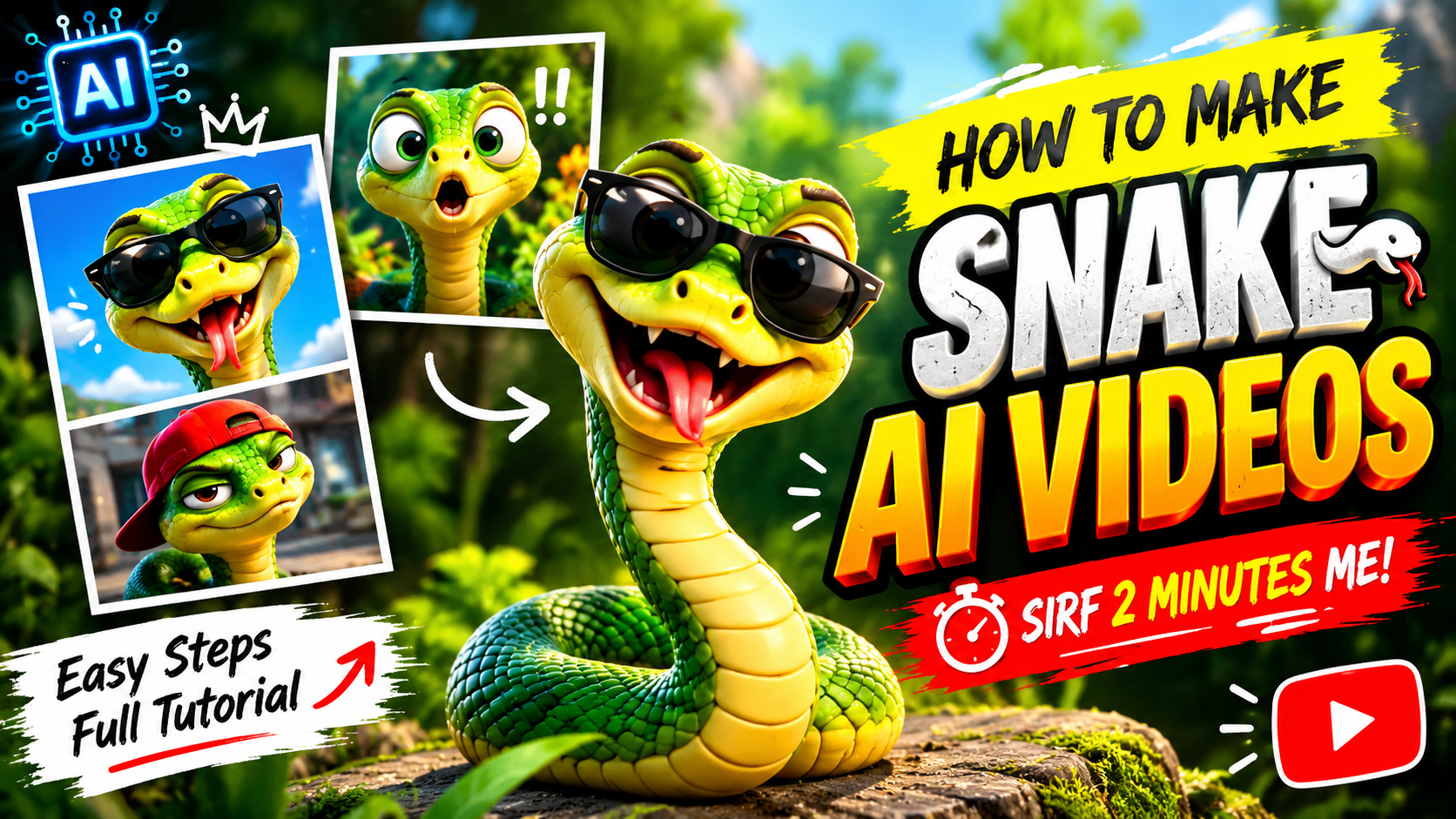
AI-generated funny animal videos are becoming a creative way to entertain audiences on YouTube, TikTok, Instagram Reels, and Facebook. From dancing snakes and hilarious snake reactions to cartoon snakes cooking food, driving cars, and performing unexpected activities, artificial intelligence makes it possible to turn imaginative ideas into entertaining short videos.
The best part is that you do not need a professional camera, advanced animation skills, or a real snake to get started. With AI image generators, image-to-video tools, and a video editor, you can create funny snake videos using simple text prompts and creative ideas.
In this guide, you will learn how to create AI snake funny videos step by step, which tools you can use, how to write effective AI prompts, how to add funny sounds, and how to optimize your videos for social media.
Whether you are a beginner or an experienced content creator, this tutorial will help you develop entertaining AI snake videos that stand out from ordinary animal content.
What Are AI Snake Funny Videos?
AI snake funny videos are short animations or AI-generated video clips featuring snakes in humorous, unusual, or exaggerated situations. These videos use artificial intelligence to generate characters, create movements, animate images, and sometimes produce sound effects.
For example, you could create a video of a snake dancing to a funny beat, a cartoon snake trying to eat a giant hamburger, or a tiny snake acting like an angry shopkeeper. You can also create realistic-looking snakes in fictional comedy scenes.
Step 2: Write a Short Comedy Script
A good funny video usually has three parts: an introduction, a humorous action, and a surprising ending.
For example, imagine a snake that wants to become a professional dancer.
-
Beginning: The snake enters a room wearing sunglasses.
-
Middle: It starts dancing confidently to an upbeat rhythm.
-
Ending: It attempts an exaggerated dance move, spins around, and freezes in a dramatic pose.
This structure creates a small story without requiring dialogue.
For a 10–20 second video, try to keep the action simple. If your video contains several unrelated jokes, viewers may struggle to understand what is happening.
You can use ChatGPT to generate more ideas by entering a prompt such as:
Generate 10 original and funny AI snake video ideas for YouTube Shorts and TikTok. Each idea should feature a memorable snake character, one simple comedic situation, an unexpected ending, and enough visual detail to create a 10–15 second AI-generated video. Avoid dangerous real-world stunts and focus on entertaining cartoon-style comedy.
Step 4: Animate the Snake with AI
Now upload your character image to an image-to-video tool that supports reference images. Alternatively, use a text-to-video generator to create the entire scene from a written description.
For a dancing snake, your motion prompt could be:
AI Snake Animation Prompt
Animate the same funny green cartoon snake wearing oversized black sunglasses. The snake performs a playful dance by swaying its upper body from side to side, bobbing its head rhythmically, and making a quick funny spin before striking a confident final pose. Use smooth, natural cartoon movement, expressive facial animation, consistent character design, a fixed camera, bright studio lighting, and a colorful background. Create a short vertical comedy video with a clear beginning and a humorous ending.
Copy animation prompt
If the result looks unnatural, shorten the action description. AI video tools sometimes struggle with complicated body movements, rapid transformations, and interactions between multiple characters.
Generate a few variations and choose the clip with the clearest motion and best comedic timing.
Step 5: Create Multiple Scenes for a Longer Video
If you want to create a 20–30 second story, generate several short clips instead of trying to create the entire sequence in one generation.
For example, a funny snake chef video could contain three scenes:
| Scene | Action | Duration |
|---|---|---|
| Scene 1 | The snake enters the kitchen wearing a chef’s hat. | 5 seconds |
| Scene 2 | It attempts to prepare a giant burger. | 8 seconds |
| Scene 3 | The burger falls apart, and the snake reacts with surprise. | 5 seconds |
These durations are examples rather than fixed requirements. Adjust them according to the action and the generated footage.
Use the same reference image, character description, and visual style in each scene. This can help the snake look more consistent throughout the story.
When combining clips, arrange them in the correct order and trim unnecessary pauses between actions.
Tips for Making Your AI Snake Videos More Entertaining
Creating an AI video is only the beginning. A few creative choices can make your content more memorable.
Keep the story simple. One clear joke is often more effective than several unrelated actions packed into a short clip.
Create a recognizable character. Give your snake a distinctive color, accessory, personality, or catchphrase. Reusing that character can help establish a recognizable series.
Use surprising endings. A funny twist, unexpected reaction, or sudden pose can make the video more satisfying.
Focus on movement. Dancing, exaggerated reactions, and playful interactions can work well when the animation is clear and easy to follow.
Experiment with different styles. Try realistic-looking fictional scenes, colorful 3D cartoons, or simple 2D animations to discover what your audience enjoys.
Review every generated clip. Check for distorted anatomy, flickering details, inconsistent accessories, and strange movements before publishing.
Make original content. Avoid simply copying another creator’s script, character design, or complete video. Develop your own concepts and editing style.
Prompt:
How to Optimize AI Snake Funny Videos for SEO
If you want to publish your creations on YouTube, your title, description, thumbnail, and overall viewer experience can help people discover them.
Use an Interesting YouTube Title
Choose a title that clearly explains the video while creating curiosity. Examples include:
-
How to Create Funny AI Snake Videos Step by Step
-
AI Snake Dance Challenge: Funny Cartoon Animation
-
How to Make Viral-Style AI Snake Videos with AI Tools
-
Funny AI Snake Chef Video Using Image-to-Video AI
-
Create Amazing AI Snake Animations for YouTube Shorts
Use the phrase “AI snake funny videos” naturally when it accurately describes the content.
Common Mistakes to Avoid
Beginners often encounter several problems when making AI snake videos.
-
Unclear prompts: Describe one main action rather than giving the AI too many instructions.
-
Inconsistent characters: Reuse reference images and character descriptions where supported.
-
Unnatural movement: Simplify the action or generate another version.
-
Poor sound synchronization: Align sound effects with the actual movement.
-
Long introductions: Show the funny situation quickly.
-
Copyrighted audio: Use music and effects that are appropriately licensed.
-
Misleading titles: Make sure the title and thumbnail match the actual video.
You should also check the current platform rules for AI-generated content, including any applicable disclosure requirements. If you plan to monetize your videos, make them original and meaningfully creative rather than relying on repetitive, mass-produced clips.
Conclusion
Creating AI snake funny videos is an accessible way to explore AI animation and produce entertaining content for social media. With a creative idea, a detailed prompt, a suitable image or video generator, and a simple editing workflow, you can turn an ordinary concept into a funny animated scene.
Start by choosing a memorable snake character and a simple comedy idea. Generate a reference image, animate one clear action, add suitable sound effects, and edit the result into a short vertical video. Then experiment with different characters, stories, and animation styles to discover what works best for your audience.
For More Information Visit